
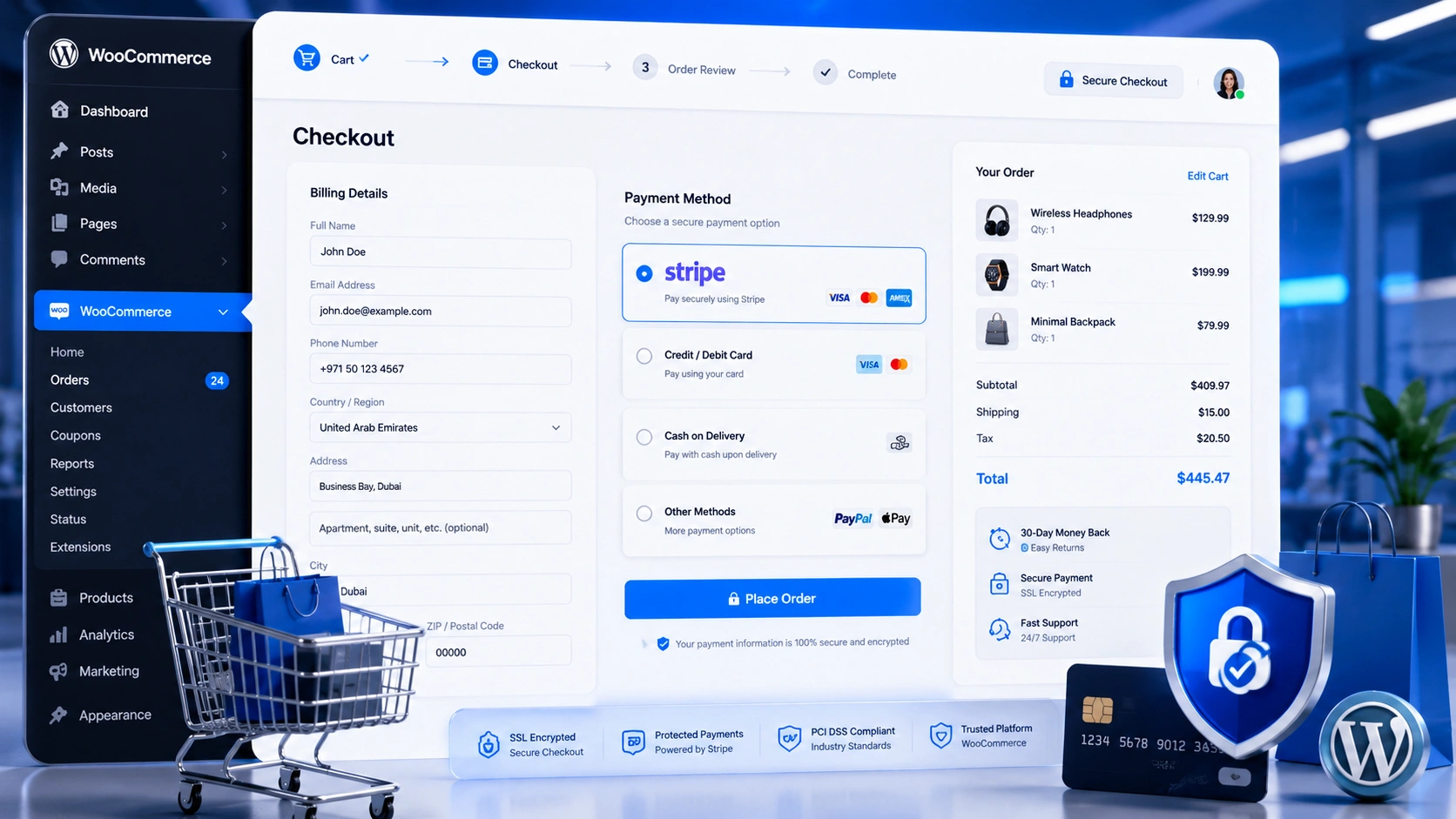
An eCommerce website may be easily created with the help of the well-known WordPress plugin WooCommerce. Once your business is up and running, you must set up payment gateways so that customers may buy your stuff. This blog article will walk you through the process of integrating payment channels, such as cash on delivery (COD) and Stripe, to your WooCommerce website.
Why Add Payment Gateways?
Any eCommerce website that wants to accept payments online needs payment gateways since they let users make safe payments. If payment gateways weren’t available, clients would have to send you money via less safe options like money orders or cheques. Fraud may result from this, which might be troublesome for you and your clients.
Setting Up Cash on Delivery
Customers who use the cash-on-delivery (COD) payment option can settle for their orders at the time of delivery. For clients who lack a credit card or who feel uneasy making payments online, this might be a useful alternative. Simply navigate to the WooCommerce settings page, select the “Payments” tab, and activate the “Cash on Delivery” option to set up COD in WooCommerce. Additionally, you may include a message explaining to clients how COD operates.
Setting Up Stripe

Customers may use Apple Pay, debit cards, and credit cards to make payments using the well-known payment gateway Stripe. You must first register a Stripe account to set up Stripe in WooCommerce. You may install the WooCommerce Stripe Payment Gateway plugin after creating an account. After the plugin is installed, select the “Payments” tab, and “Stripe” option, and then navigate to the WooCommerce settings page. To link your Stripe account to your WooCommerce store, you must provide your Stripe API credentials here.
Testing Your Payment Gateways
It is important to test your payment gateways after you have put them up to ensure appropriate operation. This may be accomplished by putting in a test order on your website and completing the transaction through each payment channel.
Watch the video for more detailed instructions on how to add payment gateways to your WooCommerce website. The video is well-made and easy to follow, and it provides a lot of valuable information.
Conclusion
In conclusion, Setting up an online store requires adding payment gateways to your WooCommerce website. You can quickly integrate Stripe and COD into your website and begin taking payments from clients by following the instructions in this blog article. Check out the WooCommerce documentation for further details on payment gateways with WooCommerce.
Consider reaching out to a knowledgeable WooCommerce development company in Dubai for assistance if you need professional help setting up, modifying, or optimizing your WooCommerce store.
FAQ
Frequently Asked Questions
What are WooCommerce payment gateways?
WooCommerce payment gateways allow online stores to securely accept payments through methods such as credit cards, debit cards, digital wallets, bank transfers, and Cash on Delivery.
How do I add Stripe to WooCommerce?
Install the WooCommerce Stripe Payment Gateway plugin, connect your Stripe account using API keys, enable the payment method, and test transactions before launching your store.
What is Cash on Delivery (COD) in WooCommerce?
Cash on Delivery allows customers to pay when their order is delivered instead of making an online payment during checkout.
Which payment gateway is best for WooCommerce?
Stripe is one of the most popular payment gateways because it supports multiple payment methods, offers secure transactions, and integrates easily with WooCommerce.
Should I test payment gateways before launching?
Yes. Always perform test transactions to verify that payment processing, order confirmations, and checkout functionality work correctly before accepting customer payments.
Related Reading
More from the blog

IT Solutions in Dubai- How to Pick The Best?
Looking for the best IT solutions in Dubai? Discover how the right technology partner can improve productivity, strengthen cybersecurity, automate operations, and help your business scale with confidence.

ModuleNotFoundError: No module named 'sklearn'
Learn how to fix the ModuleNotFoundError: No module named 'sklearn' error in Python using simple troubleshooting steps. Discover how to install Scikit-learn correctly, configure virtual environments, resolve Python interpreter issues, and get your machine learning projects running without errors.

Context Length Exceeded - Complete Fix Guide
Learn why the context length exceeded error occurs in ChatGPT, Claude, Gemini, OpenAI API, and n8n workflows. Discover practical solutions including prompt optimization, smart chunking, RAG, memory management, and context engineering to build faster and more reliable AI applications.