
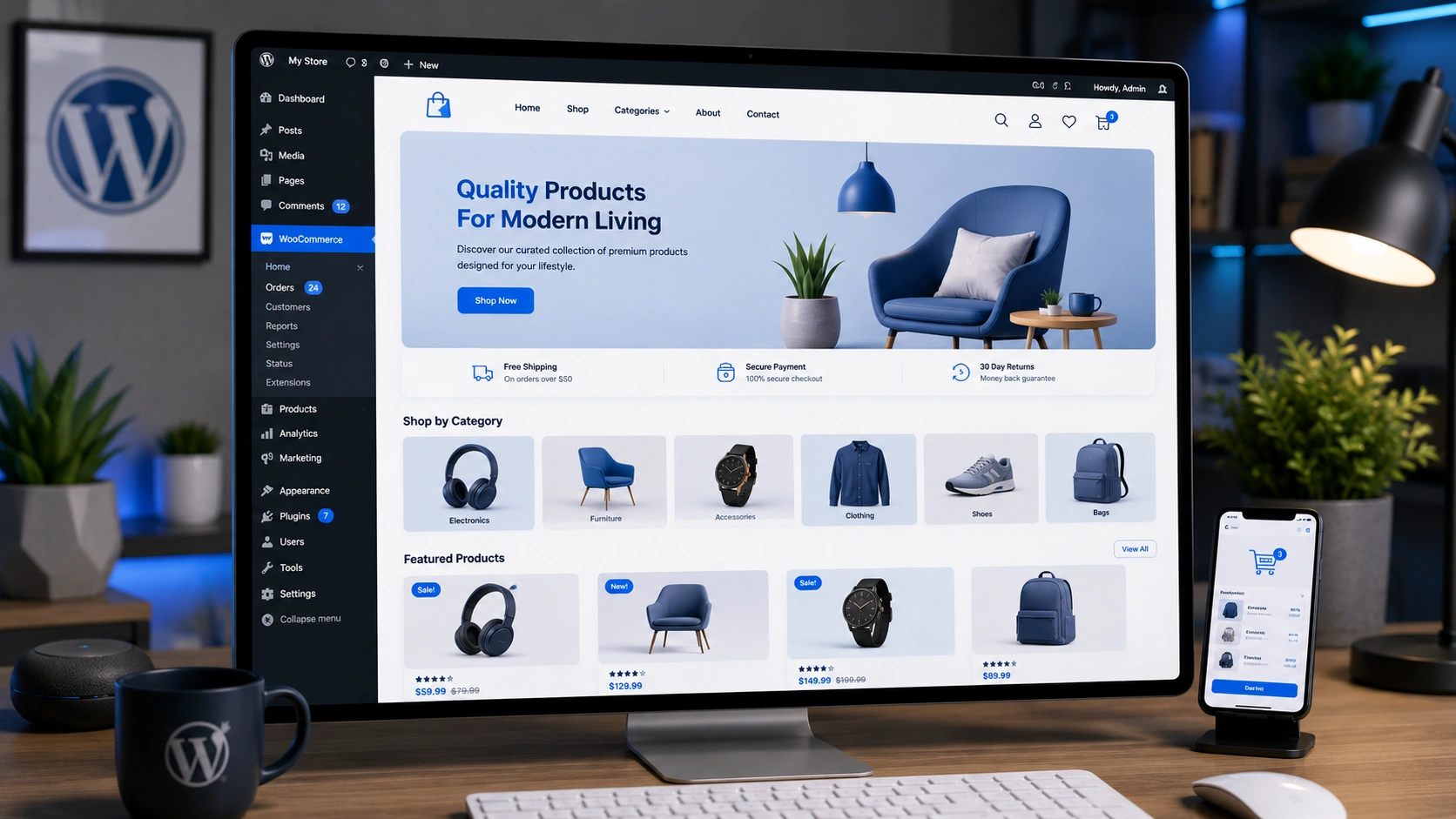
Creating an online store is made possible by the robust platform WooCommerce. However, you must configure your site after installation so that visitors find it visually beautiful and welcoming. To get you to sell your items quickly, this blog post will guide you through the process of setting up your homepage in WooCommerce.
Set Up Your WooCommerce Homepage
1. Choose a Theme
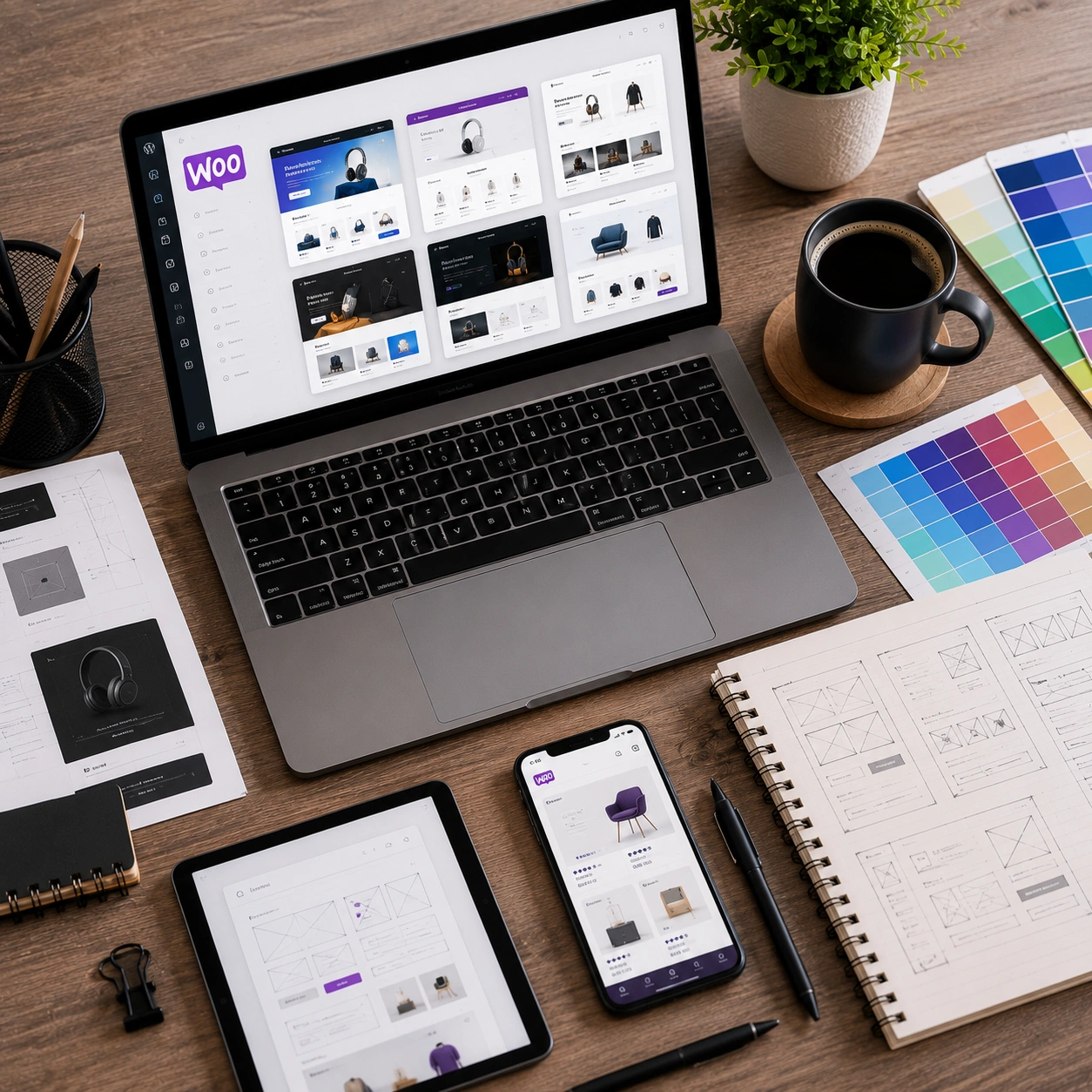
The first step is to choose a theme for your WooCommerce store. There are many free and premium themes available, so you can find one that fits your brand and style. If you’re not sure where to start, check out the WooCommerce theme store or ask for recommendations from other WooCommerce users.
2. Install Your Theme
Once you’ve chosen a theme, you need to install it on your website. You can do this by downloading the theme file and then uploading it to your WordPress dashboard. You can activate the theme after it has been uploaded..
3. Customize Your Theme
Once your theme is activated, you can start customizing it to make it your own. Most themes come with a variety of customization options, so you can change the colors, fonts, layout, and more. You can access the theme customization options by going to Appearance > Themes in your WordPress dashboard.
4. Add a Slider to Your Homepage
A slider is a great way to showcase your featured products or promotions on your homepage. There are many free and premium slider plugins available for WooCommerce. Once you’ve installed a slider plugin, you can create slides and add them to your homepage.
5. Customize Your Footer
The footer is a great place to add your contact information, social media links, and copyright information. You can customize your footer by going to Appearance > Widgets in your WordPress dashboard.
6. Create a Homepage that Shows All of Your Products
If you want your homepage to show all of your products, you can create a new page and then add a product shortcode to the page. The product shortcode will display all of your products in a grid layout. You can then make this page your homepage by going to Settings > Reading in your WordPress dashboard.
Watch the full video walk you through the steps of building a visually appealing and useful homepage for your WordPress WooCommerce website:
Conclusion
In conclusion, Although it requires time and work to set up a visually beautiful and effective homepage in WooCommerce, the investment is well worth it. You may design a homepage that turns visitors into devoted clients by following the above-described procedures and experimenting with various customization possibilities. Keep in mind that your homepage serves as a potential customer’s initial impression, so create an impact!
Are you prepared to let your WooCommerce store reach its maximum potential? For a free consultation and to discuss creating a homepage that resonates, converts, and takes your e-commerce business to new heights, get in touch with MAQ Computer Services LLC right now.
CALL:+971 55 494 3599 / +971 50 708 0116
FAQ
Frequently Asked Questions
What is a WooCommerce homepage?
A WooCommerce homepage is the main landing page of an online store where customers discover featured products, promotions, categories, and important business information.
How do I customize my WooCommerce homepage?
You can customize your homepage by selecting a WooCommerce-compatible theme, modifying layouts using the WordPress Customizer or page builders, adding featured products, banners, sliders, and customizing the footer.
Which theme is best for WooCommerce?
The best WooCommerce theme depends on your business needs. Lightweight, mobile-friendly, SEO-optimized, and customizable themes generally provide the best performance and user experience.
Should my WooCommerce homepage display all products?
Not necessarily. Many stores perform better by highlighting featured products, popular categories, new arrivals, or special offers instead of displaying every product.
Why is homepage design important for WooCommerce?
A professionally designed homepage improves user experience, builds trust, increases engagement, and encourages visitors to browse products and complete purchases.
E-E-A-T
Editorial Trust
Author bio: The MAQ Team specializes in WooCommerce development, WordPress websites, ecommerce solutions, and custom web applications. We help businesses create fast, user-friendly, and conversion-focused online stores that support long-term digital growth.
Editorial note: This guide is based on practical WooCommerce development experience, WordPress best practices, and modern ecommerce design principles. The recommendations focus on improving usability, performance, and customer experience for online stores.
Experience
Our developers have designed and customized WooCommerce websites for businesses across multiple industries, implementing optimized homepage layouts, product showcases, responsive designs, and conversion-focused ecommerce experiences.
Expertise
WooCommerce Development, WordPress Development, Ecommerce Website Design, UI/UX Design, Website Performance Optimization, Ecommerce Architecture, Product Page Optimization, Conversion Optimization, Website Customization.
Authoritativeness
MAQ delivers custom WooCommerce development, ecommerce website design, WordPress solutions, and digital transformation services that help businesses build scalable and high-performing online stores.
Trustworthiness
MAQ delivers custom WooCommerce development, ecommerce website design, WordPress solutions, and digital transformation services that help businesses build scalable and high-performing online stores.
Related Reading
More from the blog

IT Solutions in Dubai- How to Pick The Best?
Looking for the best IT solutions in Dubai? Discover how the right technology partner can improve productivity, strengthen cybersecurity, automate operations, and help your business scale with confidence.
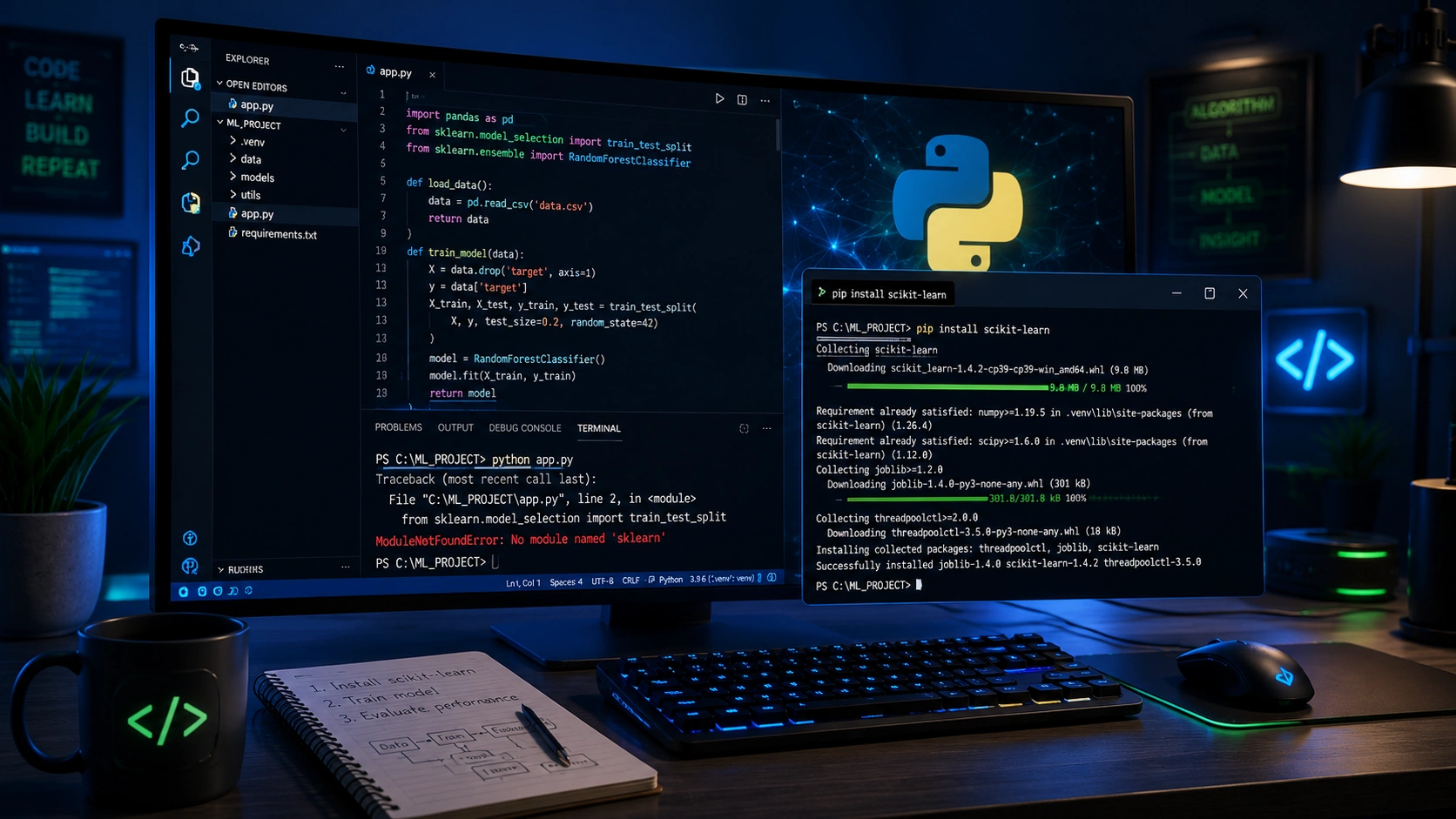
ModuleNotFoundError: No module named 'sklearn'
Learn how to fix the ModuleNotFoundError: No module named 'sklearn' error in Python using simple troubleshooting steps. Discover how to install Scikit-learn correctly, configure virtual environments, resolve Python interpreter issues, and get your machine learning projects running without errors.

Context Length Exceeded - Complete Fix Guide
Learn why the context length exceeded error occurs in ChatGPT, Claude, Gemini, OpenAI API, and n8n workflows. Discover practical solutions including prompt optimization, smart chunking, RAG, memory management, and context engineering to build faster and more reliable AI applications.