If you've ever wondered how apps magically translate text into multiple languages — this is the tech behind it. And getting access? Easier than you think.
What Even Is a Google Translate API Key — And Do You Actually Need One?
Okay, real talk — the first time I heard "API key," I low-key panicked. Sounded way too technical. But here's the thing: it's literally just a passcode that lets your app or website borrow Google's translation engine.
If you're building anything — a multilingual website, an automation tool, a learning app, or even kids content that needs to reach parents across different languages — you're going to need this key. It's how your project talks to Google's translation brain.
Let me walk you through exactly how I set one up, step by step.
Step 1: How Do You Get Started on Google Cloud Console?
Head over to console.cloud.google.com and sign in with the Google account you want to use. This is your command center for all things Google Cloud — it looks a little intimidating at first, but you'll get used to it fast.
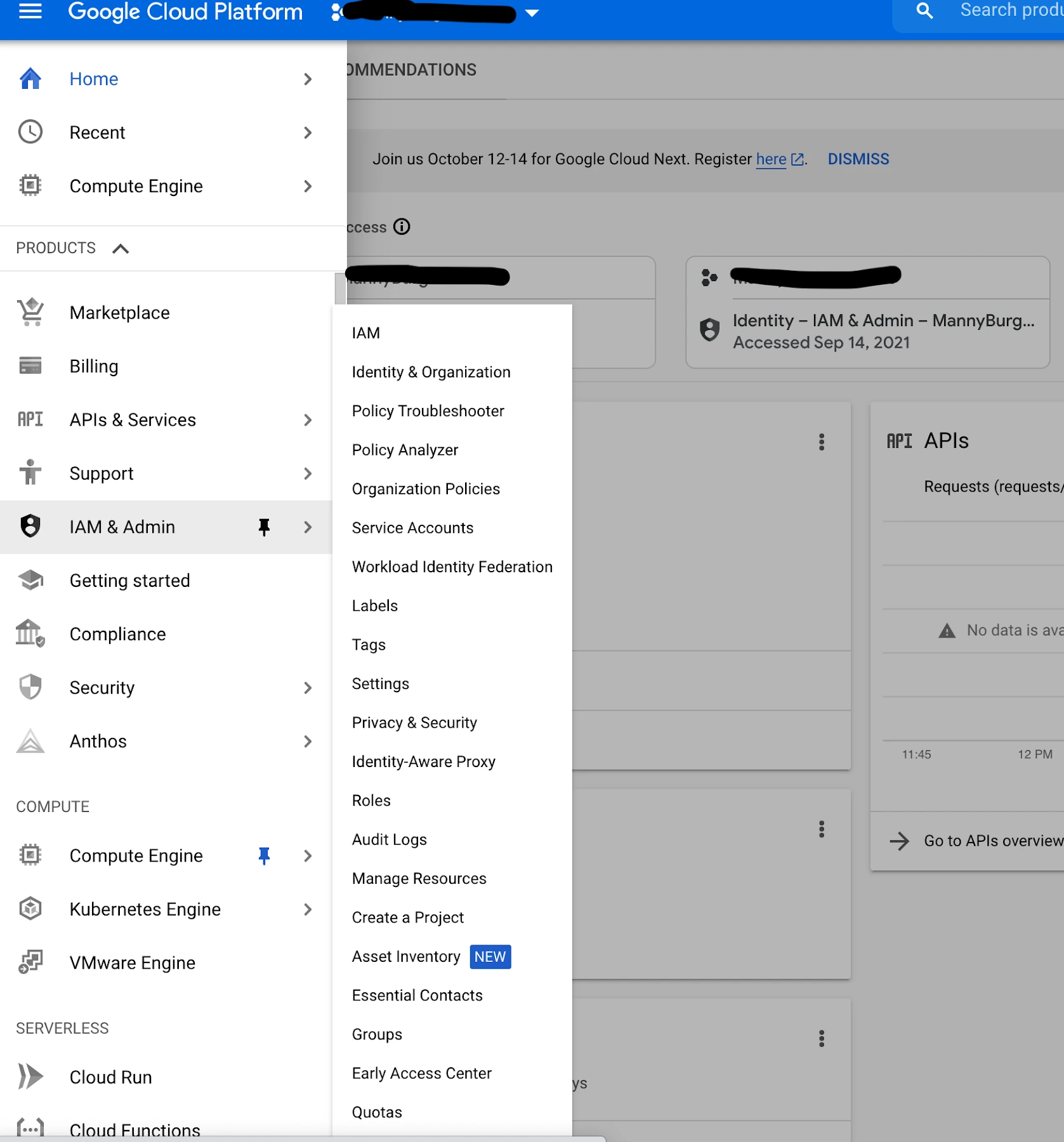
Once you're in, look for the Navigation Menu icon (the three horizontal lines at the top left) and click it. From the dropdown, scroll down and click on IAM and Admin.
Step 2: How Do You Create a New Project?
You'll see a simple form asking you to name your project. Give it a name that makes sense for your use case — something like "Translate App" or "Language Project" works just fine.
If your account has an organisation linked, you can select it here — but for most users, that step is totally optional. Once done, hit Create and wait a few seconds for Google to set things up.
⚠️ Important: After your project is created, always make sure it's selected as your active project at the top of the Console. I made this mistake once — spent ages wondering why nothing was working. Don't be that person. 😅
Step 3: How Do You Enable the Translation API?
Now the fun part. From the navigation menu, go to APIs and Services → Library.
In the search bar, type "Translate" — you'll see the Google Cloud Translation API pop up. Click on it, then hit the big blue Enable button. Google takes a moment to activate it, so just chill for a sec.
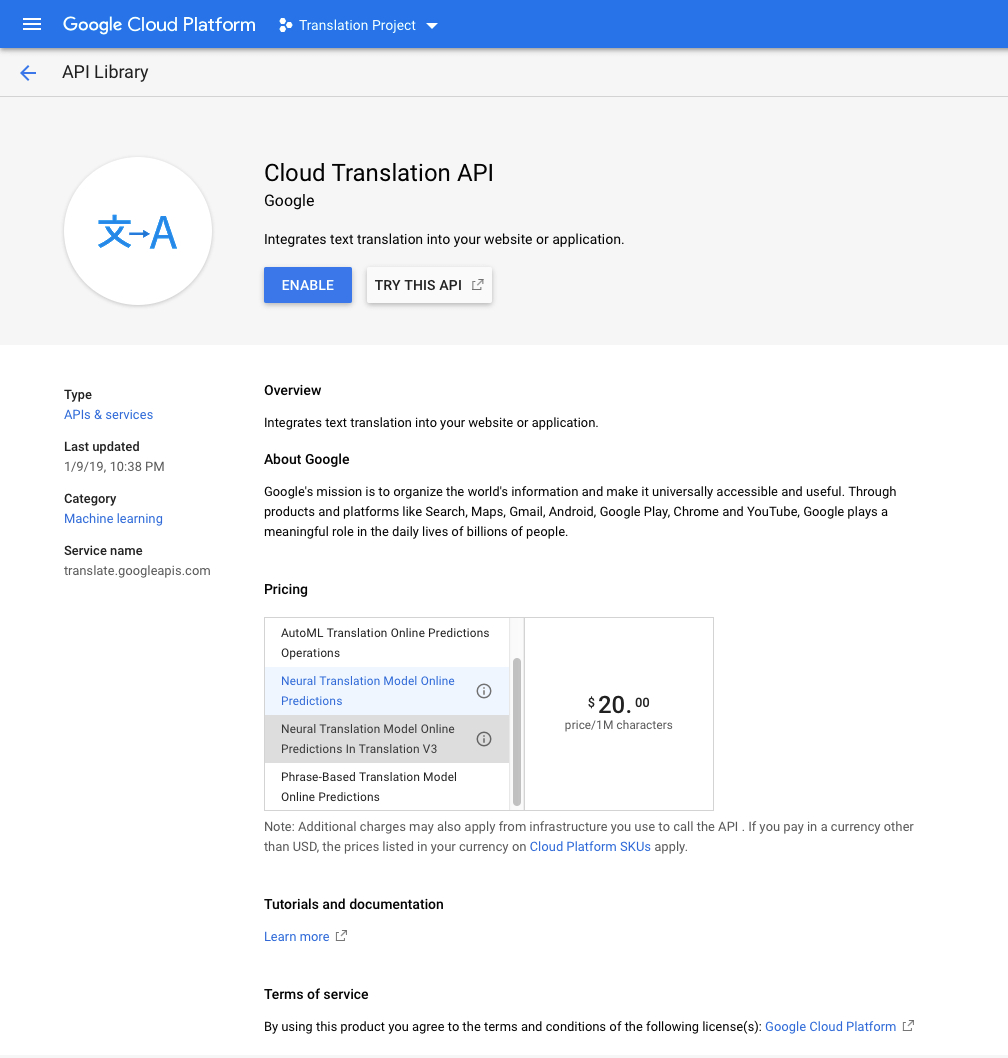
Once it says "Enabled," you're officially halfway there.
Step 4: How Do You Actually Generate the API Key?
This is what everyone came here for. Go back to APIs and Services, then click on Credentials. From there:
- Click Create Credentials
- Choose API Key
- Google generates it instantly — copy it and save it somewhere safe (a password manager works great)
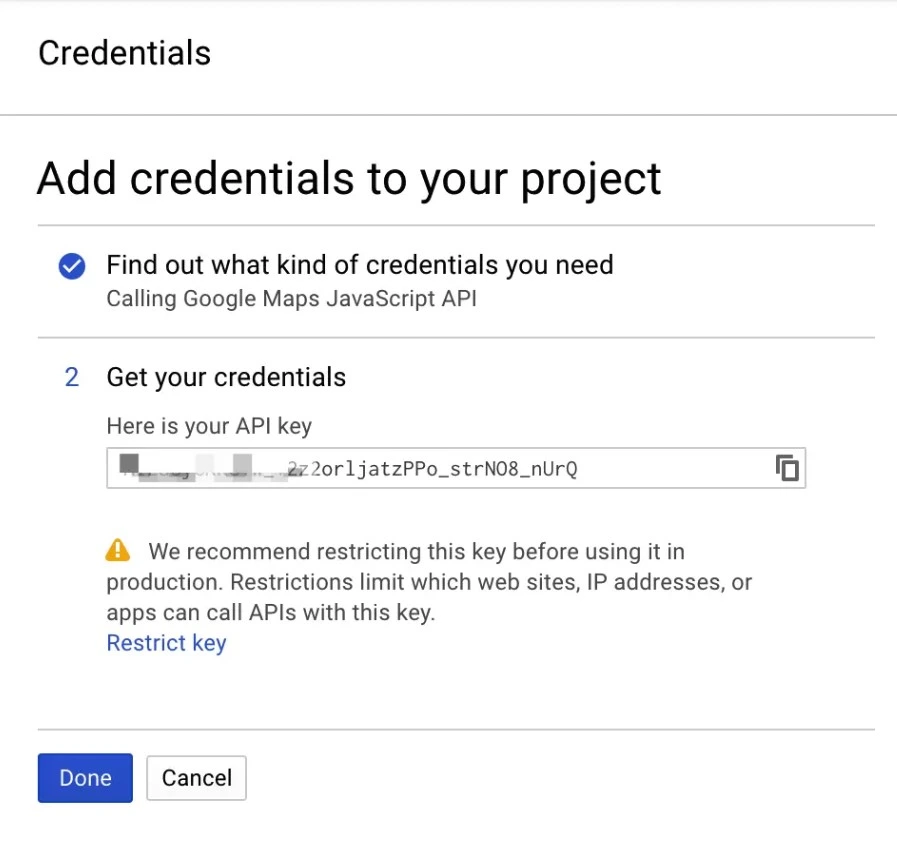
That's your golden ticket. Guard it well.
Should You Restrict Your API Key?
Yes — 100%. Especially if you're using it on a live website or production app. You can restrict access by:
- Domain name (only your website can use it)
- IP address
- App type (browser, Android, iOS)
Skipping this step is like leaving your house door open. Don't do it.
Who Uses Google Translate API — And For What?
More people than you'd think. Developers, marketers, educators, and content creators all use it. For example, I've seen it used brilliantly in kids content platforms — translating story-based learning materials into regional languages so more children and parents can access them regardless of where they live.
If you're running a website that targets users across Dubai or globally, adding translation support is genuinely one of the highest-value moves you can make for engagement and reach.
You're All Set — Now What?
Once you've got your API key, you can plug it into:
- Any website using a translation widget
- Python or JavaScript scripts
- Automation tools like Zapier or Make
- Mobile apps targeting multilingual users
It's one of those set-it-and-forget-it tools that quietly adds huge value to everything you build.
Ready to Take Your Digital Projects Further?
Whether you're building a multilingual website, launching an automation-powered marketing campaign, or developing content that connects with audiences across the globe, having the right tech partner makes all the difference.
MAQ helps businesses and creators build smarter digital experiences — from content strategy to technical implementation.
Explore MAQ's Services at maquae.com and let's build something that actually works — for every language, every audience, and every goal.
FAQ
Frequently Asked Questions
What is a Google Translate API key and how does it work?
A Google Translate API key is a unique authentication credential that lets your app, website, or automation tool access Google's Cloud Translation engine. It acts like a passcode — once enabled on your Google Cloud project, it allows automatic text translation across 100+ languages directly from your platform.
How do I enable the Google Cloud Translation API?
Go to Google Cloud Console → APIs & Services → Library. Search for "Translate," click on Google Cloud Translation API, then hit Enable. Make sure your active project is selected first, otherwise the API will be linked to the wrong project.
Is it safe to use a Google Translate API key on a live website?
Yes — but only if you restrict the key. Always limit access by domain name, IP address, or app type inside Google Cloud Credentials. Unrestricted keys can be misused, leading to unexpected charges on your billing account.
Can Google Translate API be used for kids content or educational platforms?
Absolutely. Google Translate API is widely used on educational platforms and kids content apps to deliver multilingual learning materials. It helps creators and educators reach wider, global audiences by translating content into regional languages automatically — with no manual effort.
Review
Google Cloud Translation API Setup Guide
This step-by-step guide to generating a Google Translate API key is accurate, beginner-friendly, and practically written from real experience. It covers every stage — from project creation and API activation to key generation and security restrictions — making it ideal for developers, content marketers, and educators building multilingual solutions.
E-E-A-T
Editorial Trust
Author bio: The MAQ Team is made up of digital marketing and technology professionals with direct, hands-on experience in Google Cloud services, API integrations, multilingual content strategy, and web development. We publish practical guides backed by real project work to help developers and businesses build smarter digital products.
Editorial note: This article was written based on firsthand experience with the Google Cloud Console and Translation API setup process. It was reviewed by our editorial team for technical accuracy, up-to-date steps, and SEO best practices before publication. No sponsored content.
Experience
This article was written based on firsthand experience with the Google Cloud Console and Translation API setup process. It was reviewed by our editorial team for technical accuracy, up-to-date steps, and SEO best practices before publication. No sponsored content.
Expertise
In-depth knowledge of Google Cloud services, API key management, credential security practices, multilingual web development, and content strategies for reaching diverse audiences across India and globally.
Authoritativeness
MAQ (maquae.com) is a trusted digital solutions provider specializing in web technology, content marketing, and API-driven development. Our technical guides draw from active project experience and are aligned with current Google Cloud documentation and industry standards.
Trustworthiness
All MAQ content is independently reviewed for accuracy, transparency, and reader safety. We consistently recommend security best practices — such as API key restriction — to protect our readers from billing risks and unauthorized access. No affiliate bias or undisclosed sponsorship.
Related Reading
More from the blog
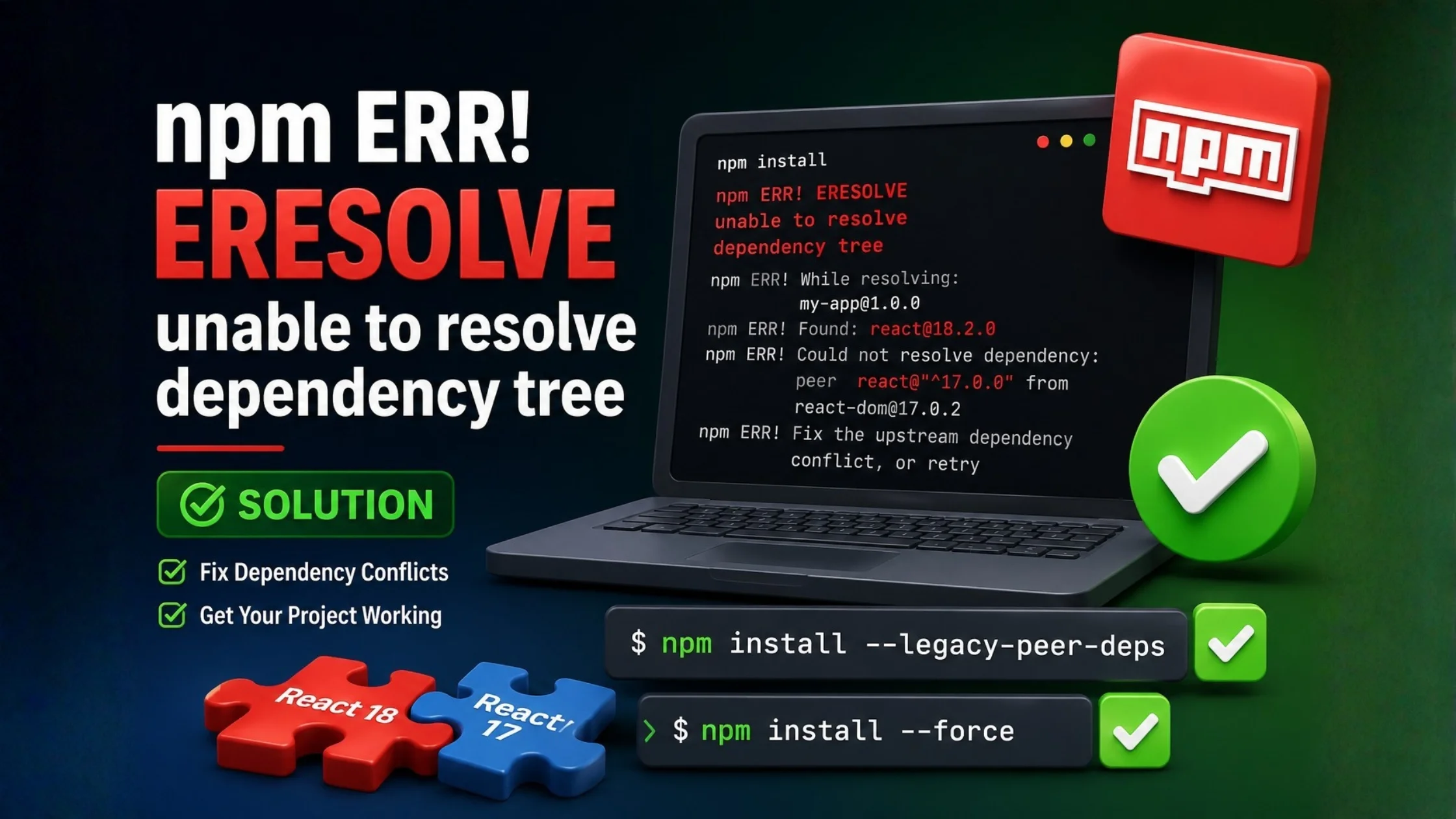
npm ERR! ERESOLVE unable to resolve dependency tree
Facing the npm ERR! ERESOLVE unable to resolve dependency tree error while installing packages or creating a React project? In this guide, I'll explain why it happens, how I fixed it, and the safest solutions that actually work in 2026.

Shopify Segment Triggers: Elevate Your Marketing Strategy
Discover how to automate your e-commerce marketing workflows seamlessly. Learn how to set up VIP welcomes, birthday emails, and personalized customer journeys to boost sales and brand loyalty.
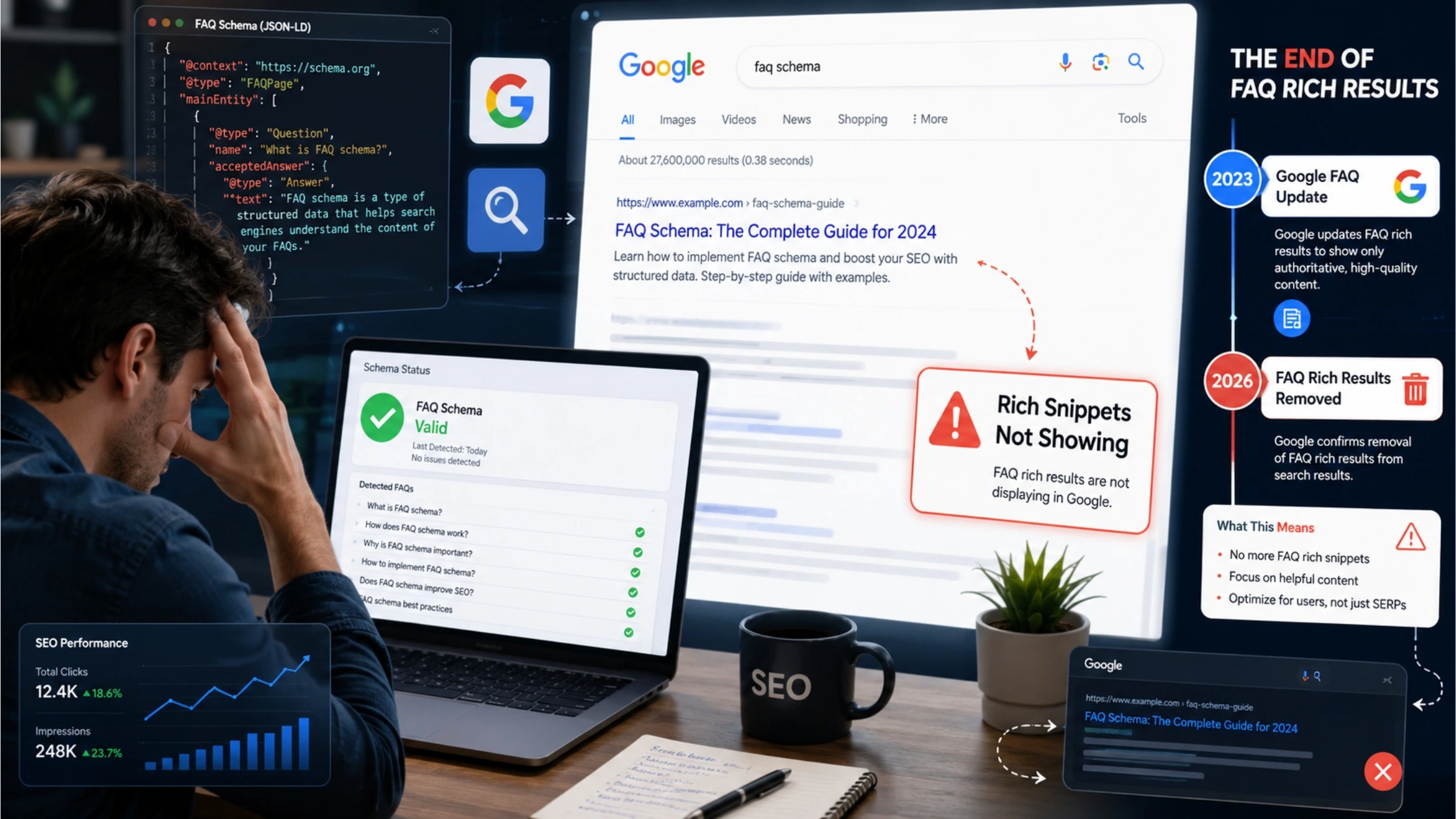
FAQ schema markup for rich snippets is not working
Confused why your structured data isn't showing up in Google search results anymore? Learn about the recent algorithm updates and how to safely adjust your SEO strategy without hurting your site's health.