In today's digital scenario, video material is king. With the rise of platforms such as TikTok and Instagram, the demand for video content has taken off.
In this guide, we explore how to automate video construction using Seedance, an advanced AI video generation model, in combination with the powerful workflow automation tool n8n.
What is Seedance?
Seedance is an advanced AI video generation model that enables you to make videos from text or images. It allows creating videos for up to 10 seconds in full HD (1080p) quality, with ratio settings like 9:16 or 1:1, making it ideal for Instagram Reels, TikTok, and YouTube Shorts.
Step 1: Prepare Your Data
Before building a workflow, your data must be ready. For example, a Google Sheet containing services or products you want to showcase. This sheet serves as the source of truth for the automated selection process.
Step 2: Create the n8n Workflow
Build the workflow in n8n starting with a Trigger node. Use a Google Sheets node to fetch service details, and a Code node to randomly select a service for generation. Then, pass these details to an OpenAI model to generate a concise video prompt (under 500 characters).
Step 3: Video Generation with Wave Speed AI
Set up an HTTP request node to send the prompt to Seedance via the Wave Speed AI API. Include a Wait node to pause for approximately three minutes while the AI processes the video. Implement a check to ensure the output is ready before proceeding.
Step 4: Save and Review
Once retrieved, save the video to Google Drive with a timestamp. Review the final result and tweak prompt settings if necessary to improve quality. This automation largely streamlines video production for businesses looking to scale their digital presence.
FAQ
Frequently Asked Questions
Where is MAQ Located
Dubai, UAE
Is MAQ a Shopify Partners
Yes M A Q is Shopify Partners
Related Reading
More from the blog
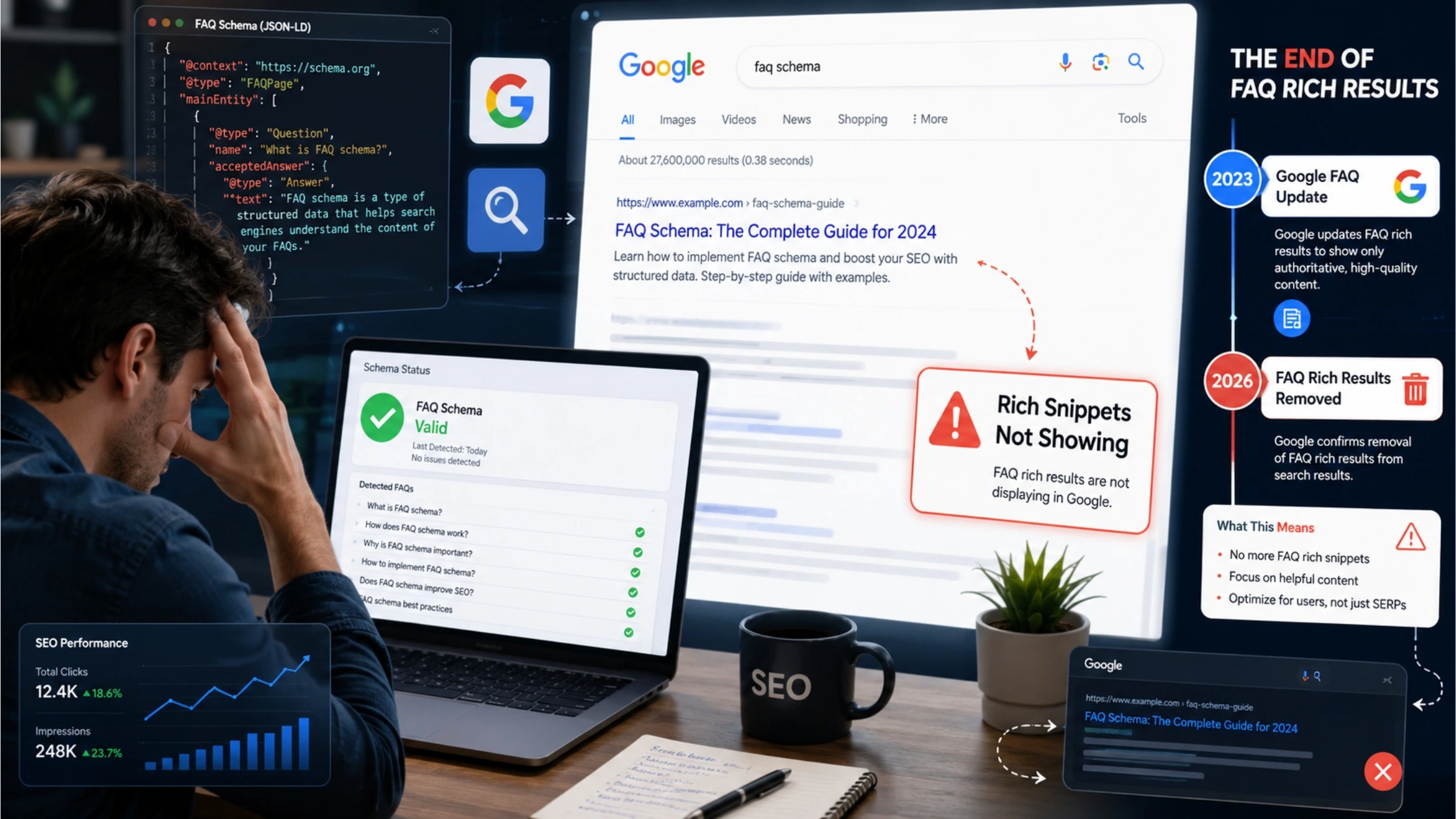
FAQ schema markup for rich snippets is not working
Confused why your structured data isn't showing up in Google search results anymore? Learn about the recent algorithm updates and how to safely adjust your SEO strategy without hurting your site's health.
Google Ads Specialist: What They Do & Why You Need One
Running Google Ads solo and burning budget? Here's what a paid search expert really does — and why it's the difference between wasted ad spend and real ROI
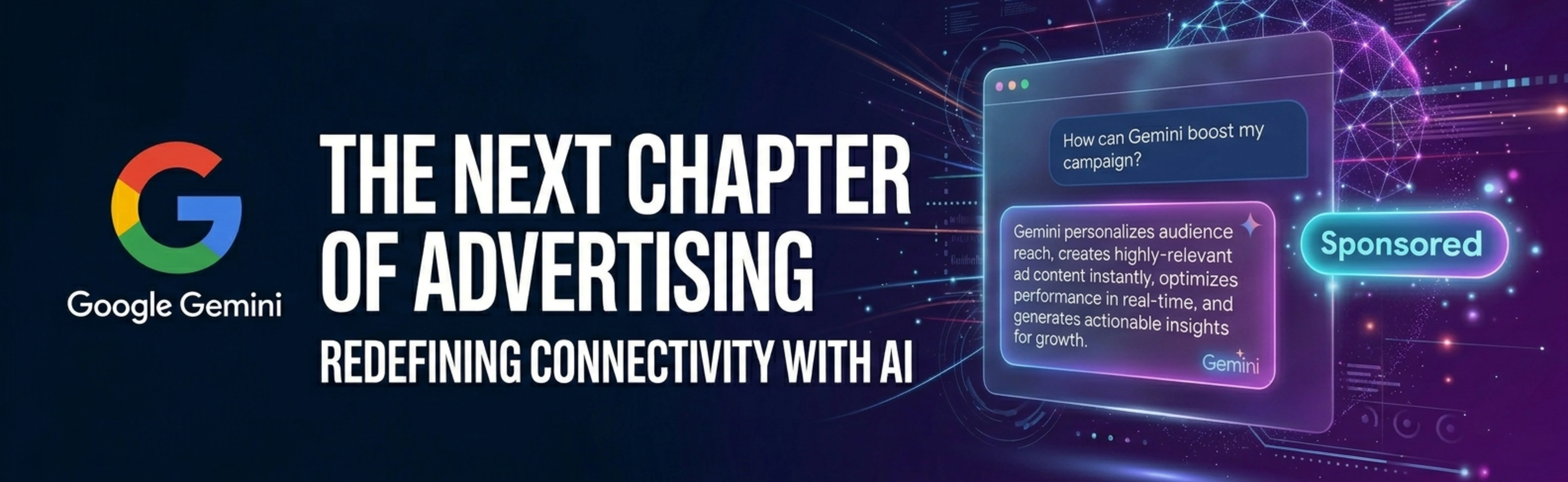
Gemini Ads Explained: What They Are, How They Work, and How to Win as an Advertiser
Gemini Ads are reshaping how Google advertisers reach customers. Learn what they are, how they work, what they'll cost, and how to build a winning strategy before and after the rollout.